New Feature

New API allows easy import of final outcome data

New API makes it easy for clients to import “final outcome data” or “client feedback data”. This is data that identifies whether customers are fraudulent or not. This goes beyond approve/deny decisions and looks at a customer’s behavior over time. Alloy clients who import this data can gain additional insights into fraud behaviors of their customers and how to prevent future fraud.

With the release of this new API, we encourage clients to send us final outcome data on a regular cadence. Please reach out to your CSM or [email protected] to get started. Also, please reference our API documentation or client support documentation.

Measure impact of transaction monitoring rules before going live with new What-If feature

New What-If functionality is available for Transaction Monitoring.

The What-If feature allows you to review the impact of any rule or scenario before pushing it out to production and alerting your customers. Try out different scenarios and thresholds, understand which entities would be triggered with the updated logic, and minimize false positives by only capturing the activity you're concerned about.

If you’d like to try or learn more about the What-If feature for Transaction Monitoring, reach out to your CSM or [email protected].

Decision on shared identity elements

Alloy is now offering the ability to decision off of identity elements (like SSN, phone number, email, etc.) when they are seen across multiple entities. This is an important step Alloy is taking to proactively prevent fraud. An example scenario would be detecting entities that share a SSN or phone number, then taking subsequent actions—such as tagging it informationally, running additional services, or determining an outcome.

For full details on how to use this new feature, see our support article.

Filter by partner ID now available

Partner banks can now filter by "Partner ID" within the Evaluation view and Review Queues in the dashboard.

Alloy now accepts an identifiers.external_partner_id field in the API that we associate with Partner Customers. Partner Customers can filter by Partner ID on the Review Queue, Evaluations page, and Entity page by clicking on the "+" icon on the filter list. This is our recommended best practice for all partners.

Filter by partner ID image
JSON image

SAML Single-Sign-On integration to the Alloy dashboard

Clients can now use their preferred identity provider to authenticate themselves into the Alloy dashboard, allowing users to seamlessly login in without creating or remembering a password for their Alloy accounts. To learn more, please see our full documentation.

Simplify multi-workflow applications with Journeys

New Journeys feature is now available for all Alloy Credit Underwriting clients.

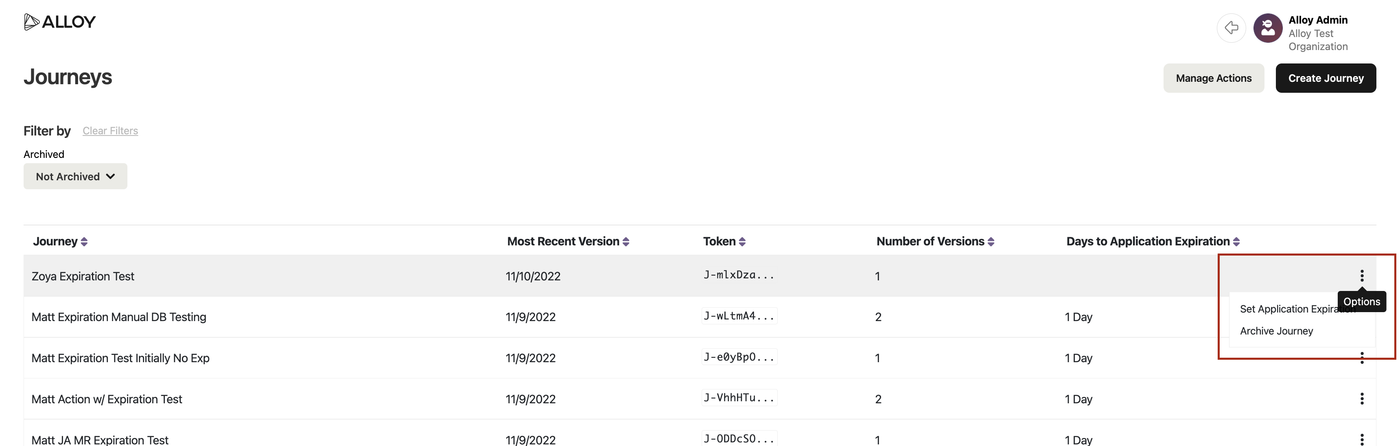
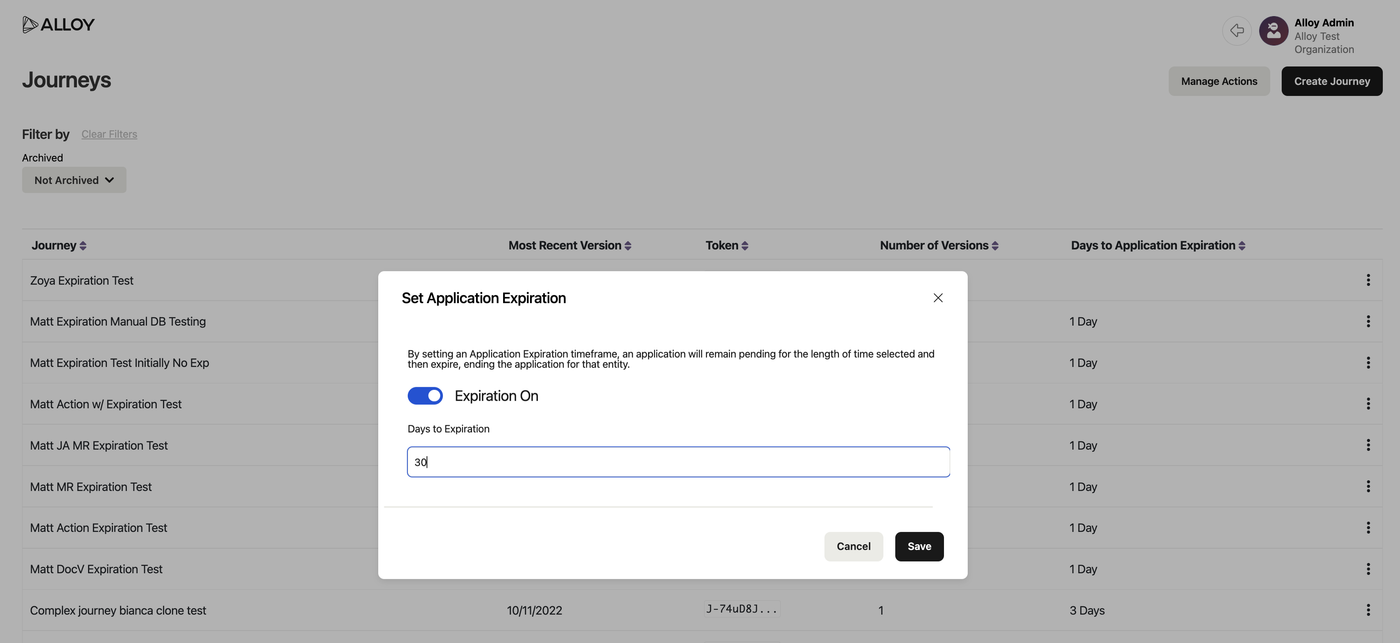
Journeys allow you to configure multi-step and multi-workflow applications using a single configuration and endpoint. When a request is made to the Journey endpoint, Alloy will automatically make requests to the individual workflows or steps within the configured Journey on your behalf and update the application state throughout the lifecycle.

To learn more about Journeys, please view our documentation here and read our blog.

Journeys

Calculate APR and credit line assignment values with a decision matrix

Credit Underwriting clients can now use a decision matrix to calculate values.

Clients were previously required to use tags, output attributes and custom models to calculate values such as APR and credit line assignments. To reduce complexity and implementation time, we are introducing the first iteration of matrix models which allow clients to use a 2-dimensional grid or matrix to calculate values such as APR or credit line assignments.

A decision matrix or grid is a list of values in rows and columns that allows our clients to systematically identify, analyze and rate the performance of relationships between sets of values and information.

Matrix models example


What-If Analysis lets you measure the impact of workflow changes before they are live

New What-If Analysis feature is now available for all Alloy Onboarding clients. This allows you to see the impact of workflow changes before setting them live. Using historical data, you can now visualize how workflow changes would have impacted outcomes.

Please review this documentation to learn how to use What-If Analysis.

Back